Exporting Library Catalog Book Lists
Updated 04-11-2026
Exporting Book Lists From Alma - UIIJC, UISPEC, UISTONE
-
You will need an account in Alma. Contact the Library’s Associate Dean for Operations and Access for account setup.
-
Sub-collections in UISPEC (Caxton, Day-NW, Idaho, Kolln, SciFi, Twain) will appear when the greater UISPEC list is exported.
-
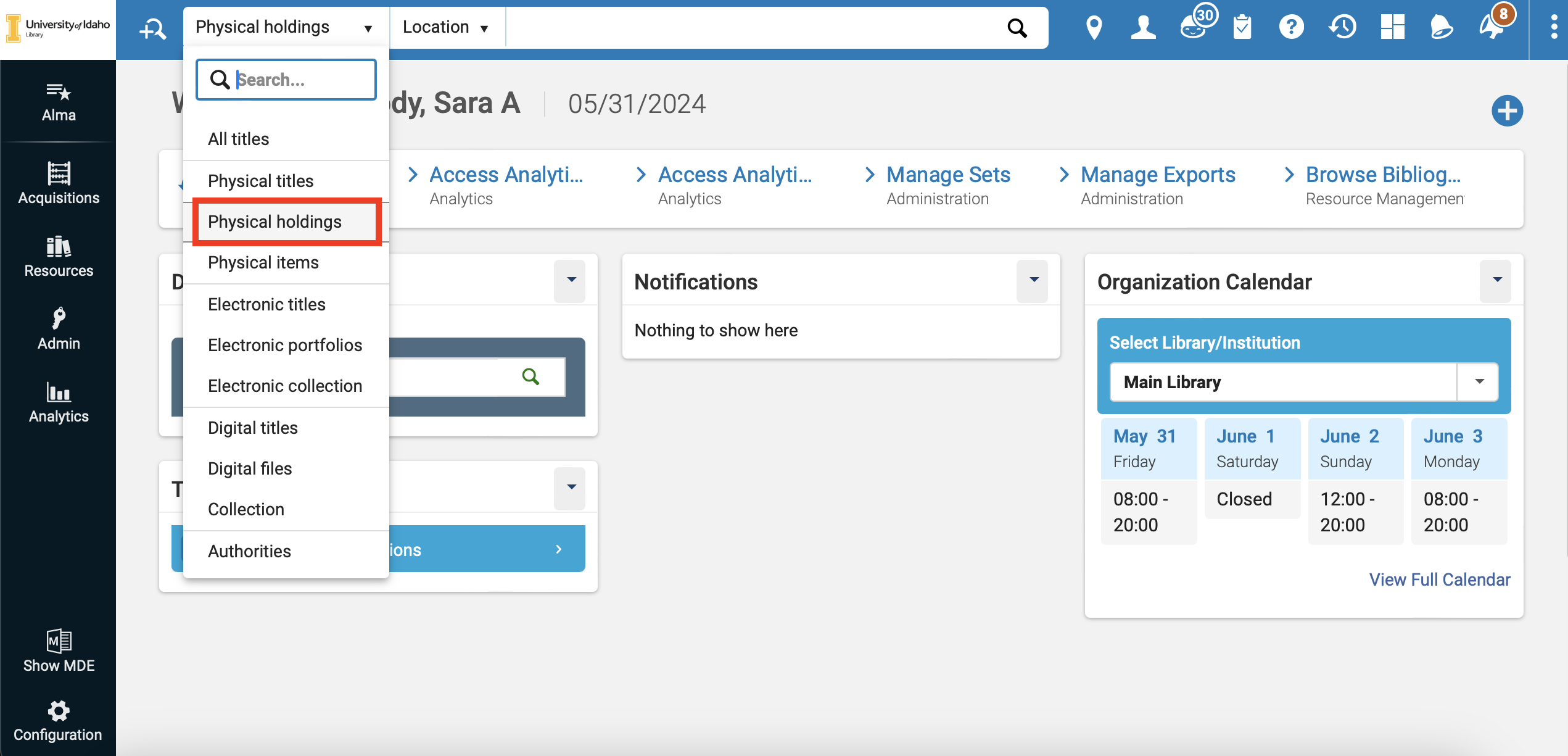
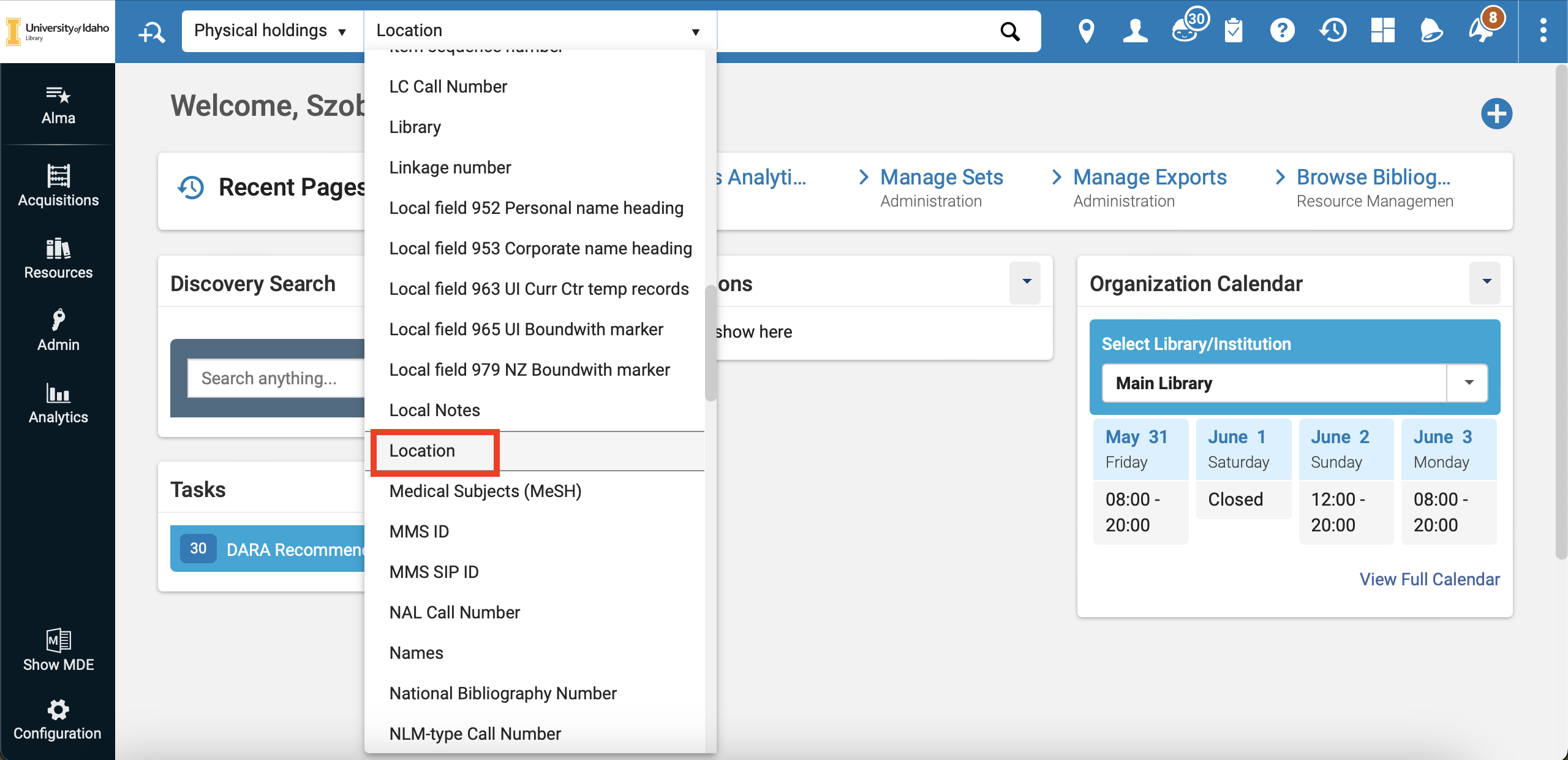
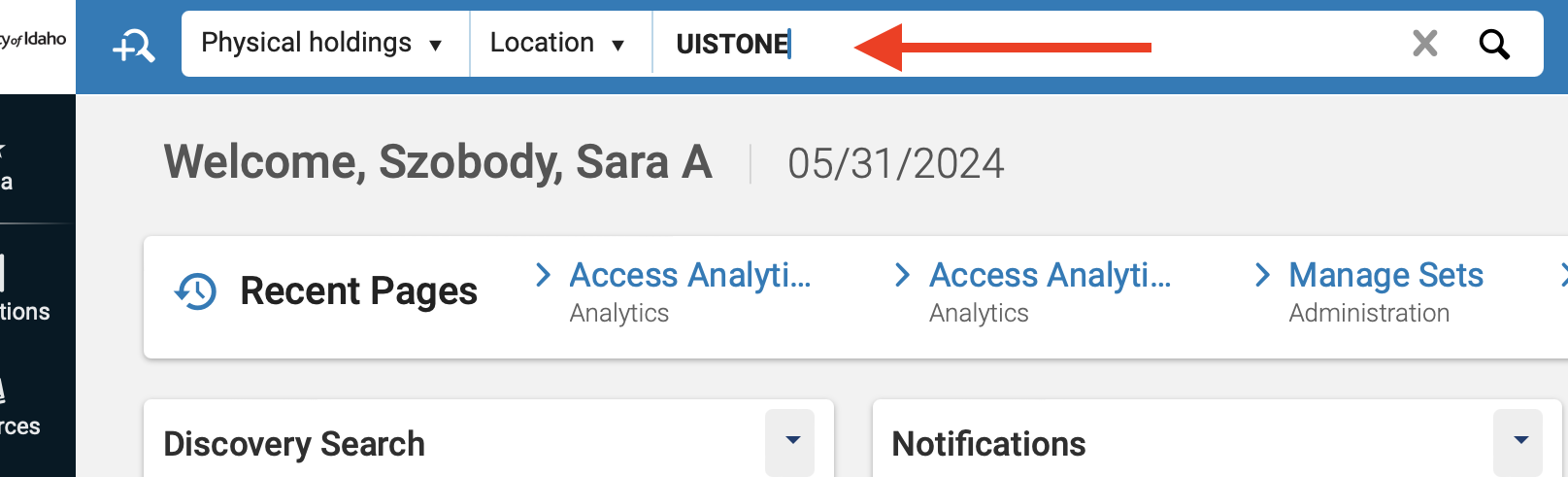
Before searching, make sure “Physical Holdings” and “Location” is selected from the two drop-down menus.
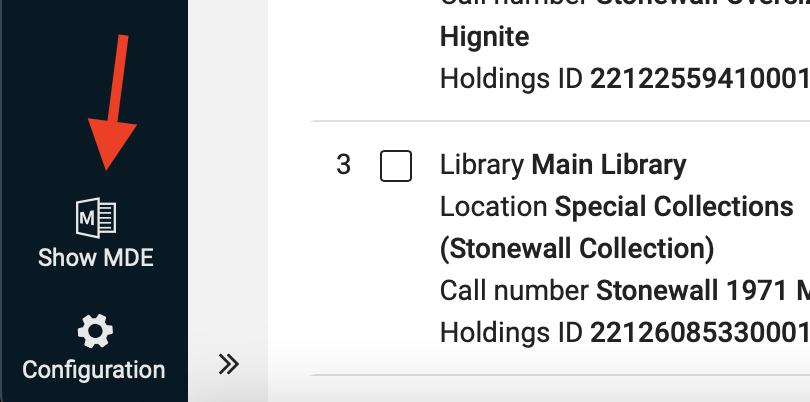
- At the bottom left of the homepage, click “Show MDE.”
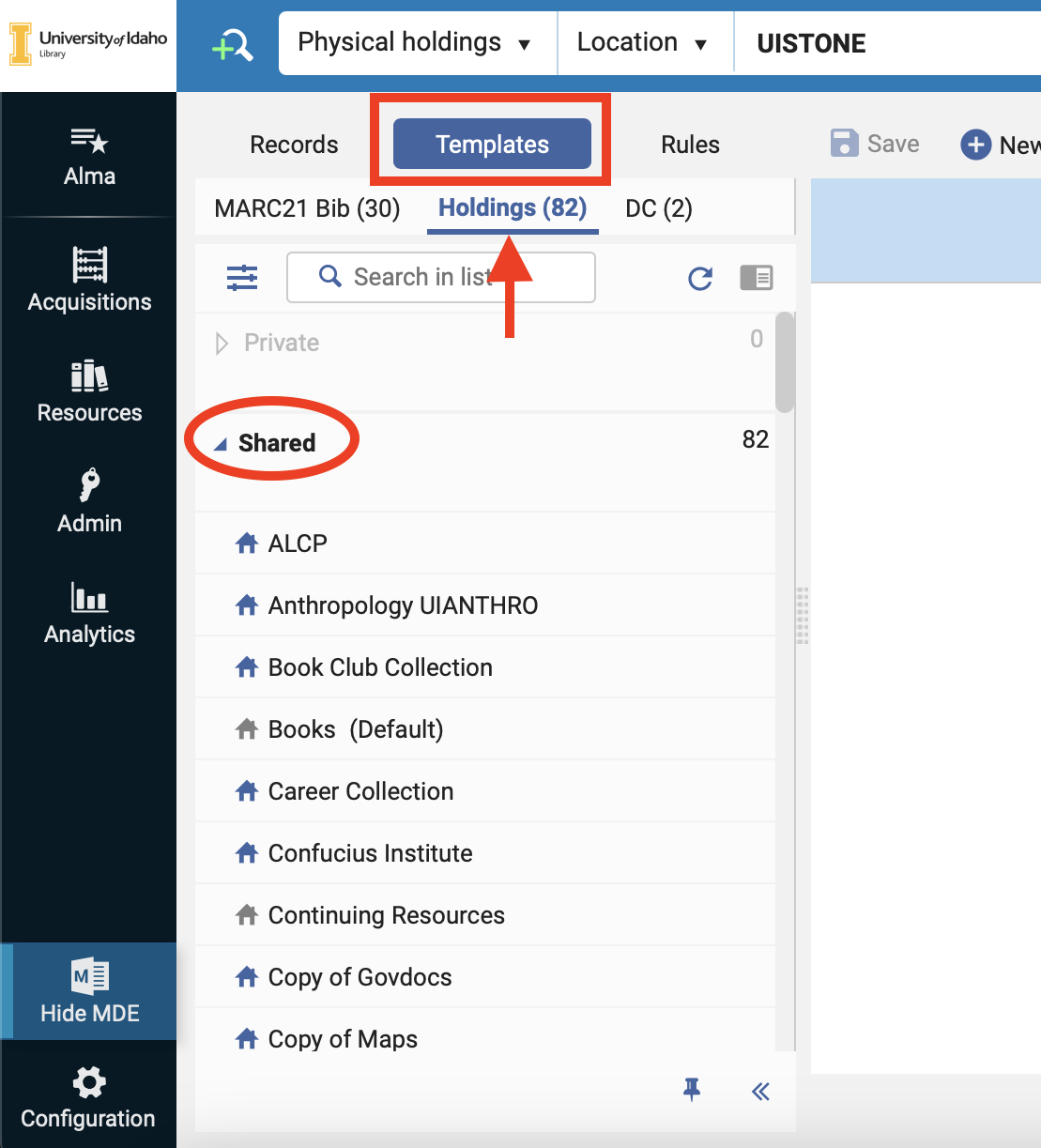
- Click on “Templates,” then “Holdings,” and then “Shared.”
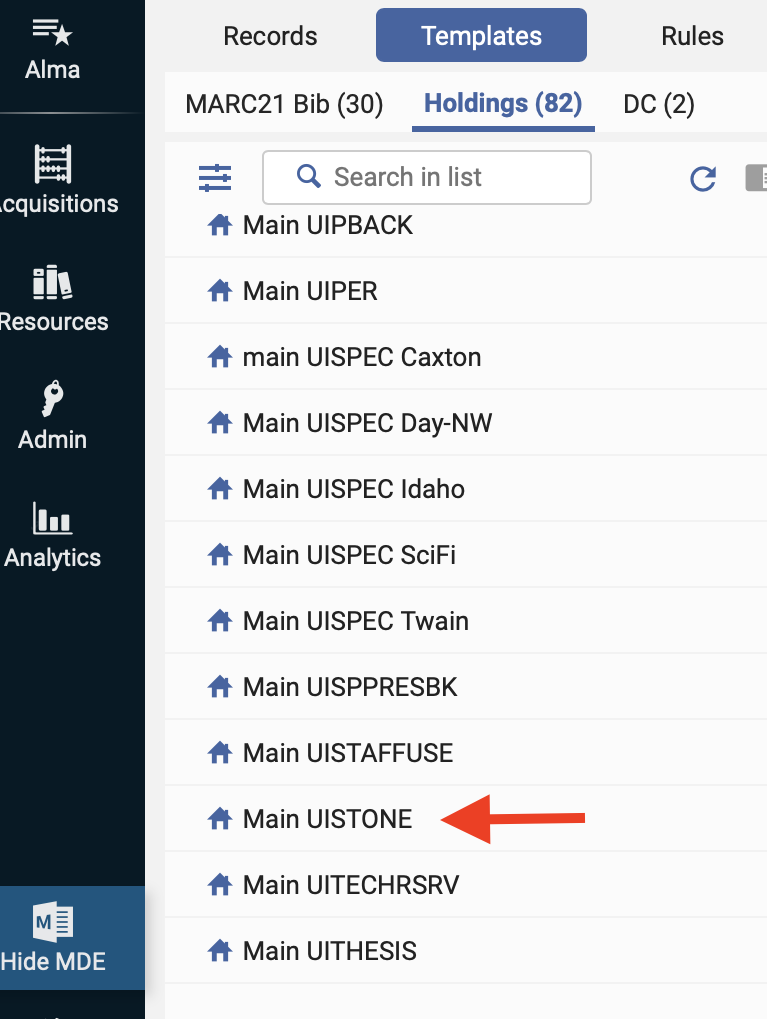
- Scroll until you see the location names associated with book collections held in Spec. For example, if looking for the Stonewall collection, the location template will be UISTONE.
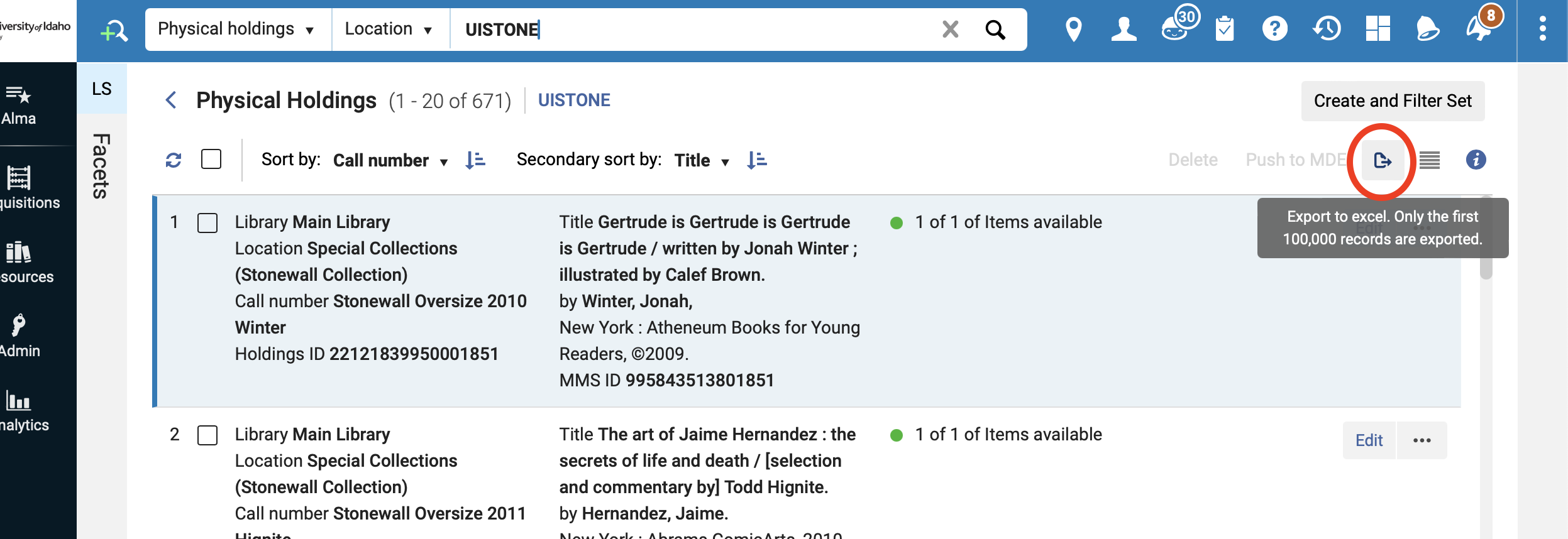
- Back on the homepage, type in the location name and search. This should populate all of the books within this location.
- To export the comprehensive list, click on the export button on the right side of the results page. List will export as an Excel spreadsheet with either current view (limited data) or Excel (all fields).